

静
Shizuku
Quiet stillness
Three sessions a day · 15 min each
A gentle start. Room to ease in while the habit takes hold.
章 II · The cost
“Every time you open an app without thinking, you spend a little attention you never chose to spend. By the evening it adds up to hours you don’t remember living.”
Mado isn’t a blocker that punishes you, and it isn’t a tracker that shames you. It’s a single, deliberate pause, long enough to ask whether this is the moment you wanted.
章 III · The pause
Act I
Instagram, TikTok, X, or whatever you chose to guard. Out of habit, your thumb is already moving.
Act II
Mado slides a calm screen in front of it. No countdown theatre, no guilt. Just two honest choices.
Act III
Close it and move on, or take a fifteen-minute session from today's budget. Either way, it was a choice.
章 IV · Three rhythms
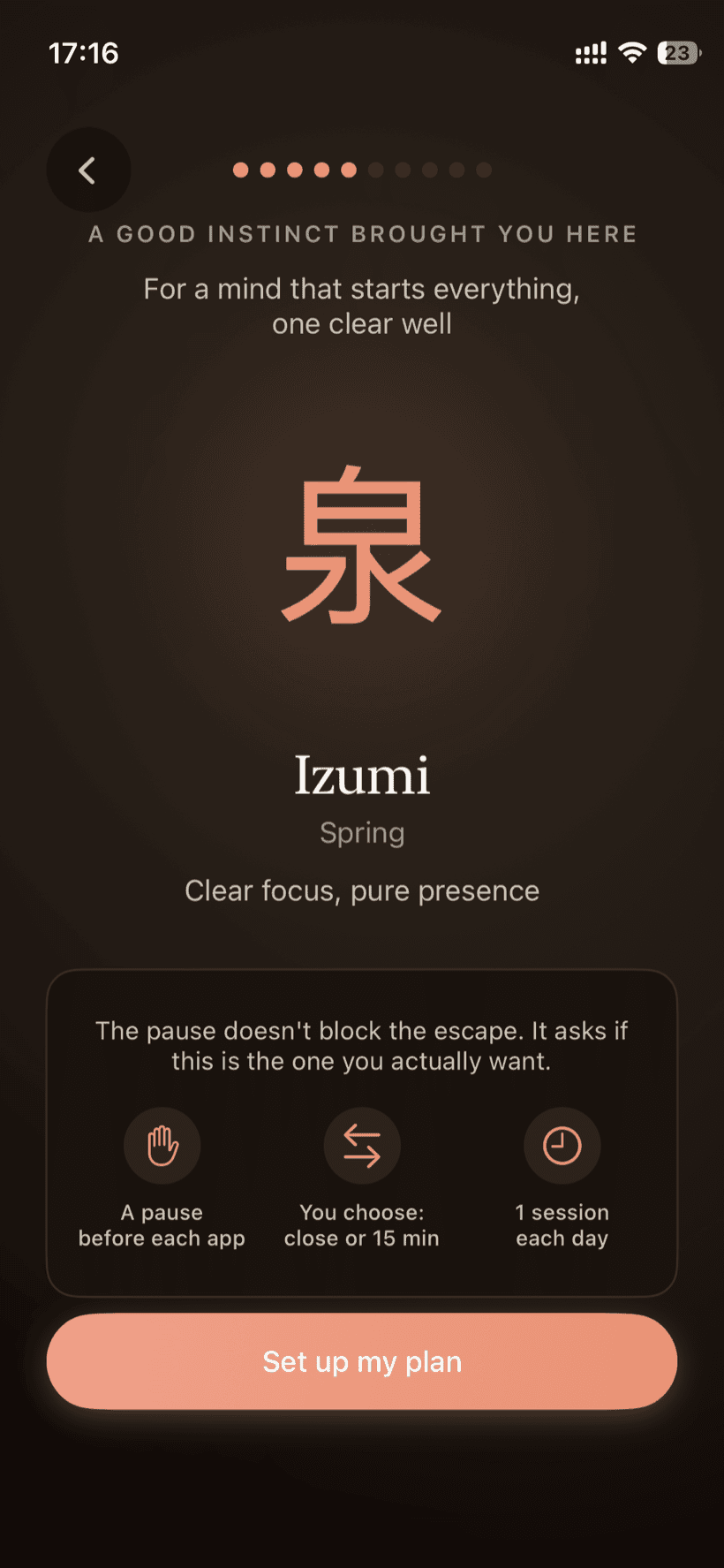
Each rhythm sets how many fifteen-minute sessions you get a day. Start gentle, tighten when you’re ready.
Three sessions a day · 15 min each
A gentle start. Room to ease in while the habit takes hold.
Two sessions a day · 15 min each
A middle rhythm. Enough to check in, not enough to disappear.
One session a day · 15 min each
For the deepest cut. A single fifteen-minute window, then the day is yours.
深 · Focus & schedule
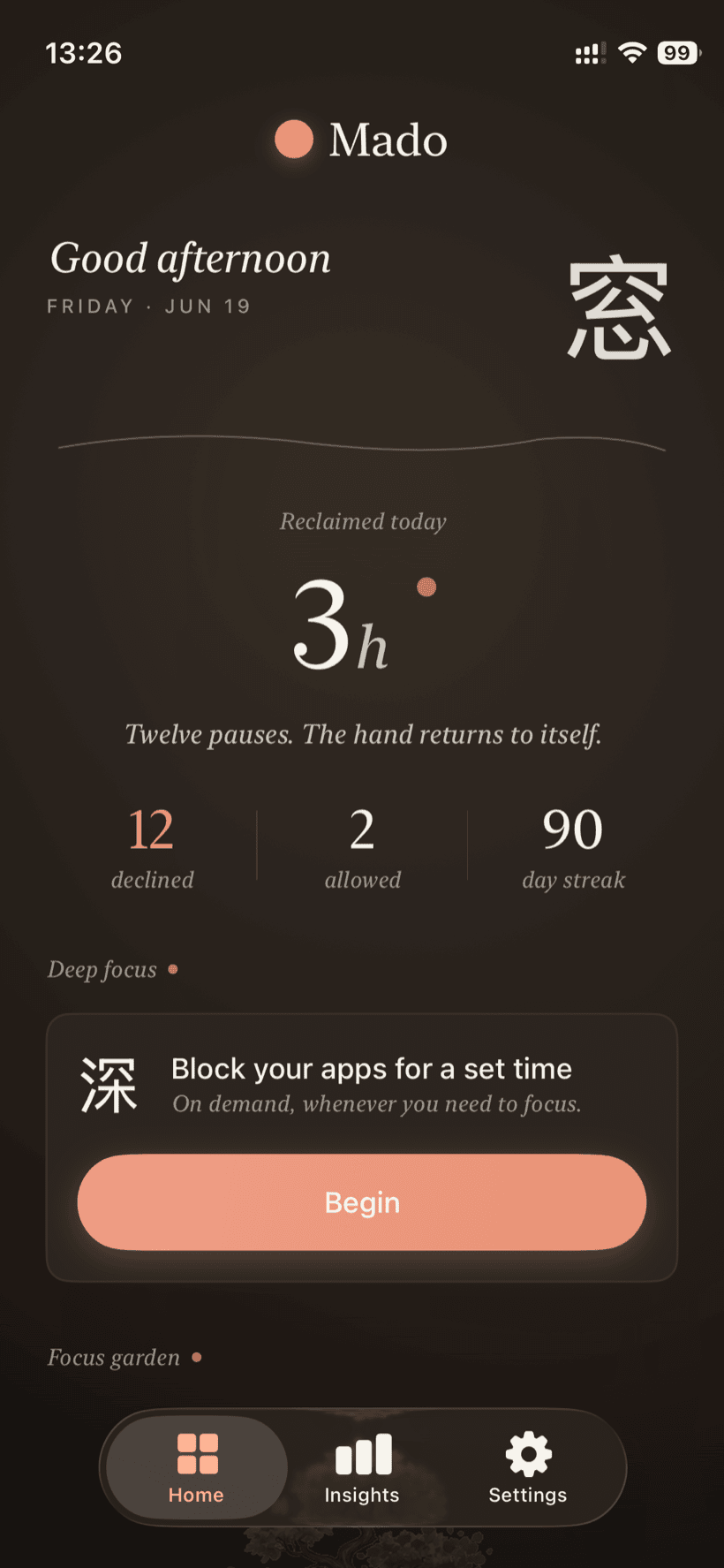
The pause meets you when you reach for an app. Deep focus and the schedule decide the hours around it.
Begin a block straight from the home screen and give your attention to one thing. Set how long, anywhere from fifteen minutes to four hours, and your apps stay shut for the whole window. It sits apart from your daily sessions, so a long stretch of deep work never spends your rhythm. Switch on the lock and the timer cannot be stopped early, not even by you.
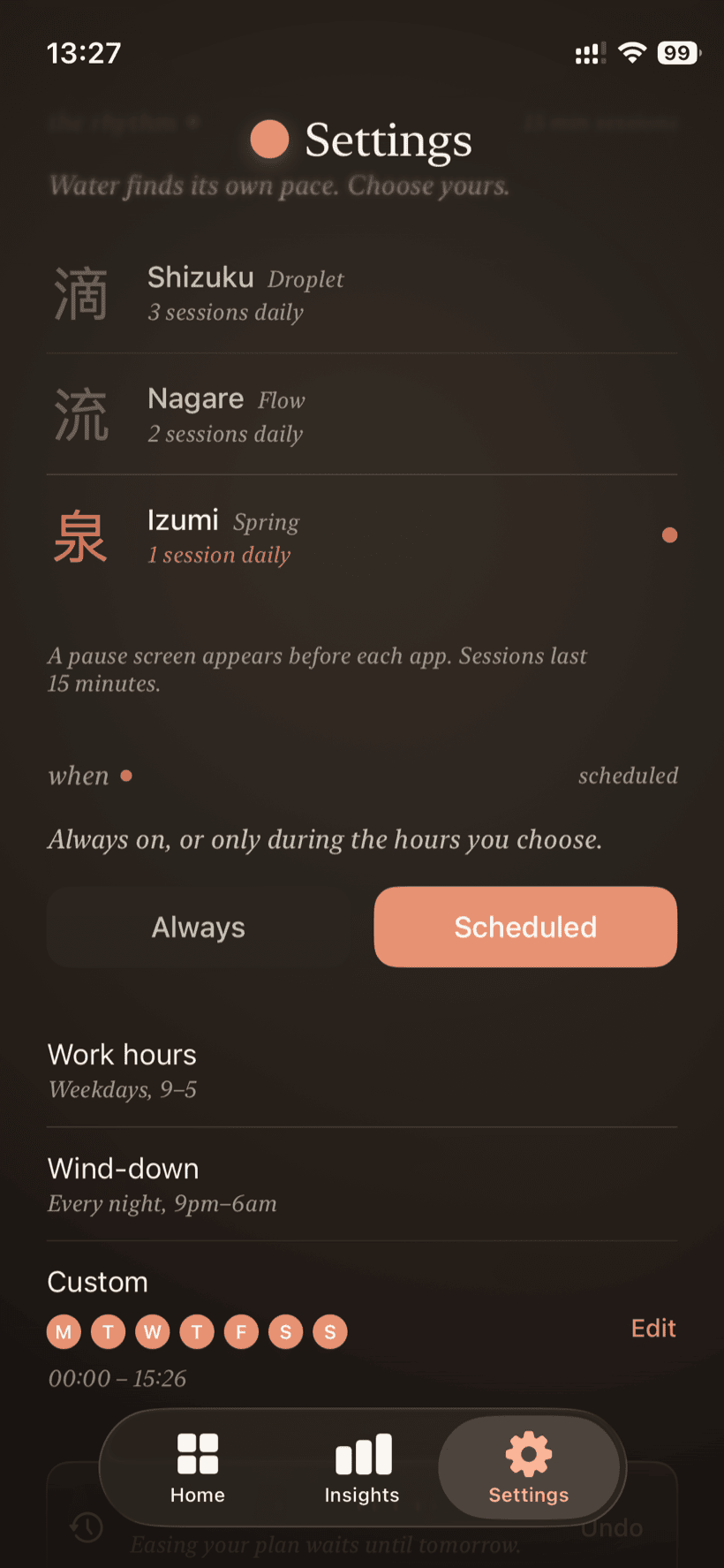
Decide when the pause is in force. Keep it always on, or let it run only inside the hours you choose: your weekday work hours, a nightly wind-down, or your own days and times, straight through midnight and out the other side. Inside any window, your sessions work just as they always do.
章 V · Insights
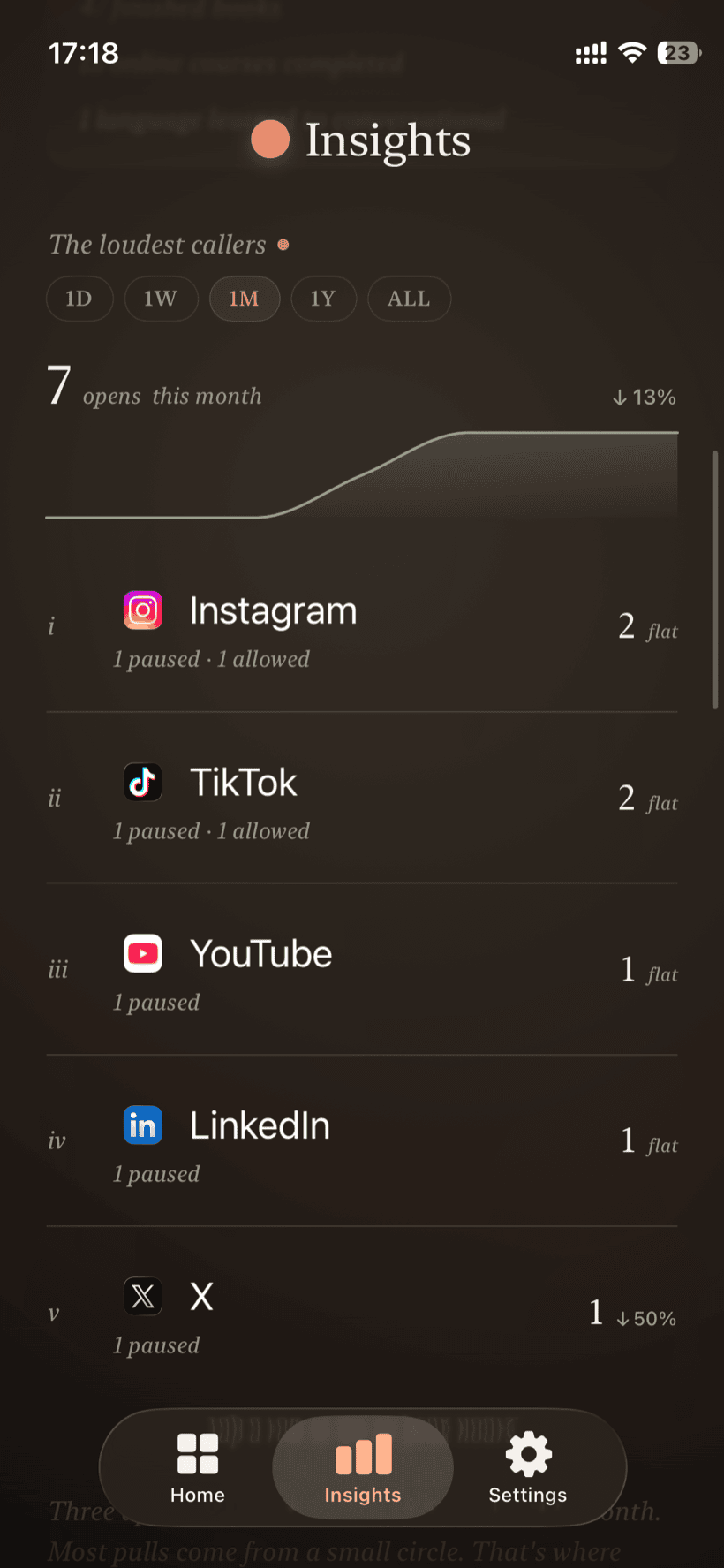
pauses declined
29 this week · 116 this month · 353 all time
“Mado shows you when the pulls come, and which apps they come from. Then it hands the hours back.”
Time reclaimed
That’s about 15.7 days a year handed back to the rest of your life.
章 VI · The path · 書
Quiet milestones marked with a calligrapher’s seal. Three earned, four still ahead.
装い · Make it yours
Eighteen icons to choose from: the signature Fuji, plus seventeen hand-painted kanji, quiet landscapes, and sumi-e brushwork. Change yours anytime.


















Kanji · Fuukei · Suiboku
庭 · The garden
Every day you keep your rhythm, a small tree grows another stage. Each one is weeks of quiet choices, made visible. Slip back and it simply waits for you, no shame, no reset to bare soil.
 SeedDay one
 SproutFirst week
 SaplingTwo weeks
 In leafOne month
 BuddingTwo months
 In flowerA full season
It grows on the days you choose to look up. Patience, rendered in ink.
週 · A week with Mado
You were never the weak one. The apps in your pocket are tuned by thousands of people whose whole job is to keep you scrolling, and they are very good at it. Mado evens the odds: a quiet line you set once, while you’re calm, that the feed can’t talk you out of later. Here is one week, before and after.
章 VIII · The arrangement
No payment until you’re sure. Most people know by day three.
Monthly
$9.99
per month
after a 7-day free trial
Yearly · save 58%
$49.99
per year
about $4.17 a month
No account, no ads, no paywall traps. What you pause stays on your device. The number you see is the number Apple charges you, in your currency.
Pricing is set on the App Store and may vary by region.
問 · Questions
Pick the apps or categories you want to pause. When you open one, Mado shows a quiet window with two choices: close it, or use it for 15 minutes. Each rhythm gives you a daily session budget. Use them all and the app stays paused until the next day.
Yes. Set Mado to Scheduled and pick when your apps stay shut: preset weekday work hours, a nightly wind-down from 9pm to 6am, or your own days and times, overnight windows included. Or keep it Always on. Either way it runs on its own, with nothing to start each day. Your daily sessions still apply inside any active window.
Start a Deep Focus session from the home screen. Choose how long, anywhere from fifteen minutes to four hours, and your apps stay shut for the whole window. It sits apart from your daily sessions, so deep work never spends your rhythm. Turn on the lock and you can't end it early, even if you try.
Screen Time enforces limits with an “Ignore Limit for Today” button that is easy to tap without thinking. Mado replaces that with fixed 15-minute sessions and a daily cap you can't extend. The real cap is what makes it work.
The app stays paused until the next day. Sessions reset at midnight. There is no override button. Mado works because the cap is real, not a polite suggestion.
Almost none. Your app selections, sessions, and streaks stay on your device, and we never see your screen-time data or which specific apps you open. Privacy-friendly analytics measure product usage, plus which ad campaign brought you here, but only if you allow Apple's tracking prompt.
Yes. Cancel in iOS Settings → Apple ID → Subscriptions. You won't be charged during the 7-day free trial as long as you cancel before it ends. After that you keep access until your billing period finishes.
Start with seven days, free. Keep it only if the quiet earns its place.